
Pumpice
A downloadable game for Windows, macOS, and Linux
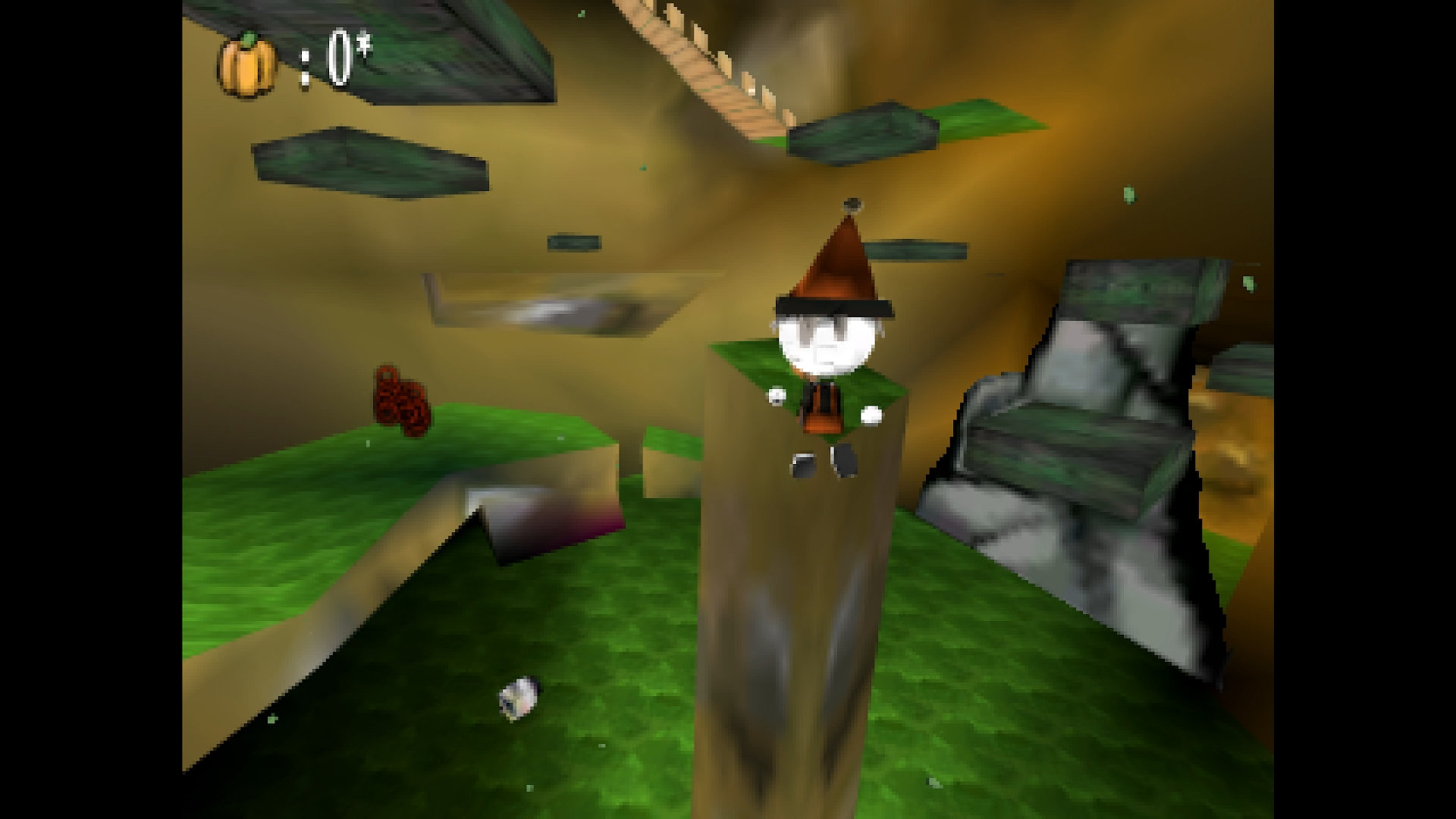
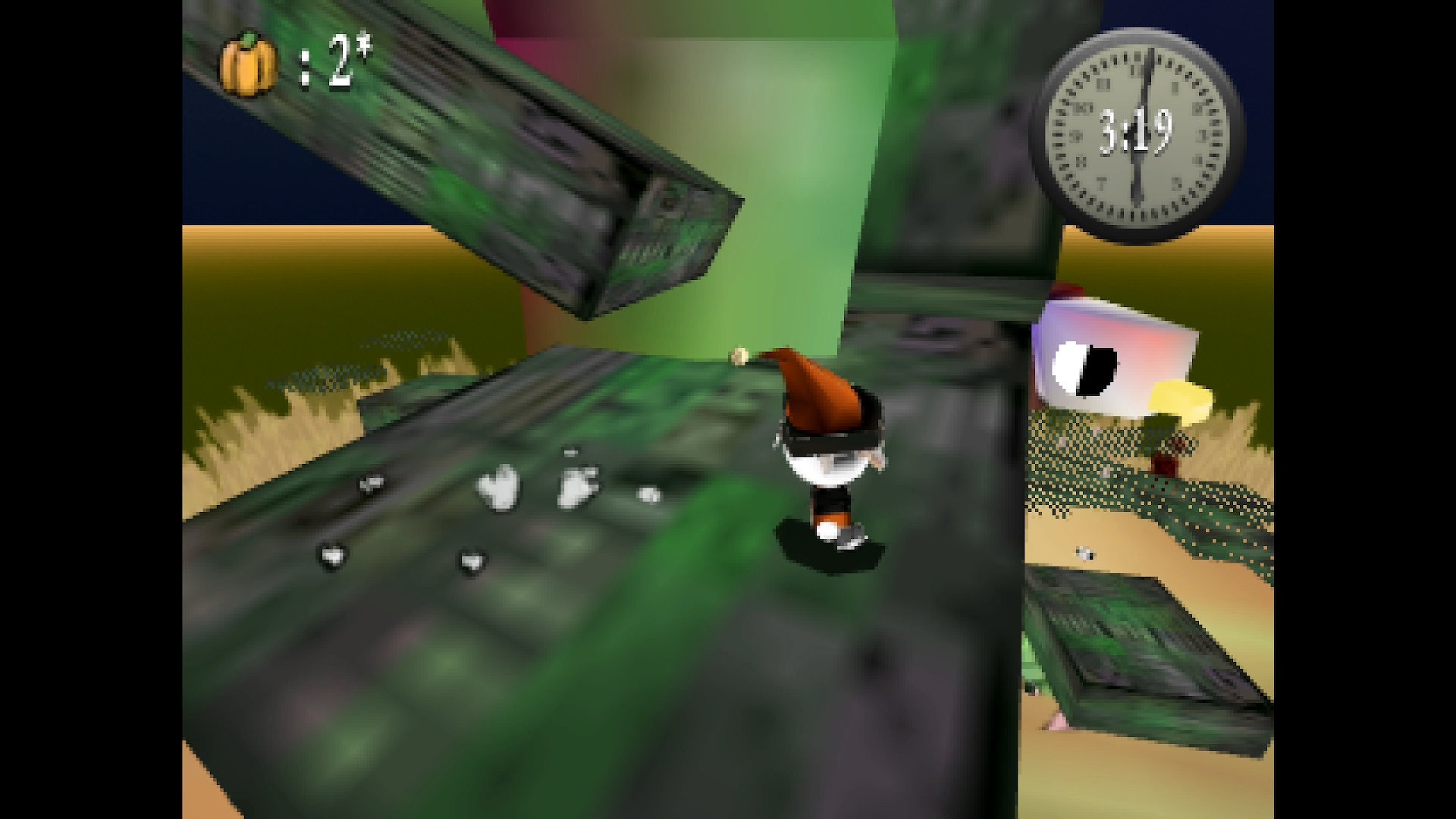
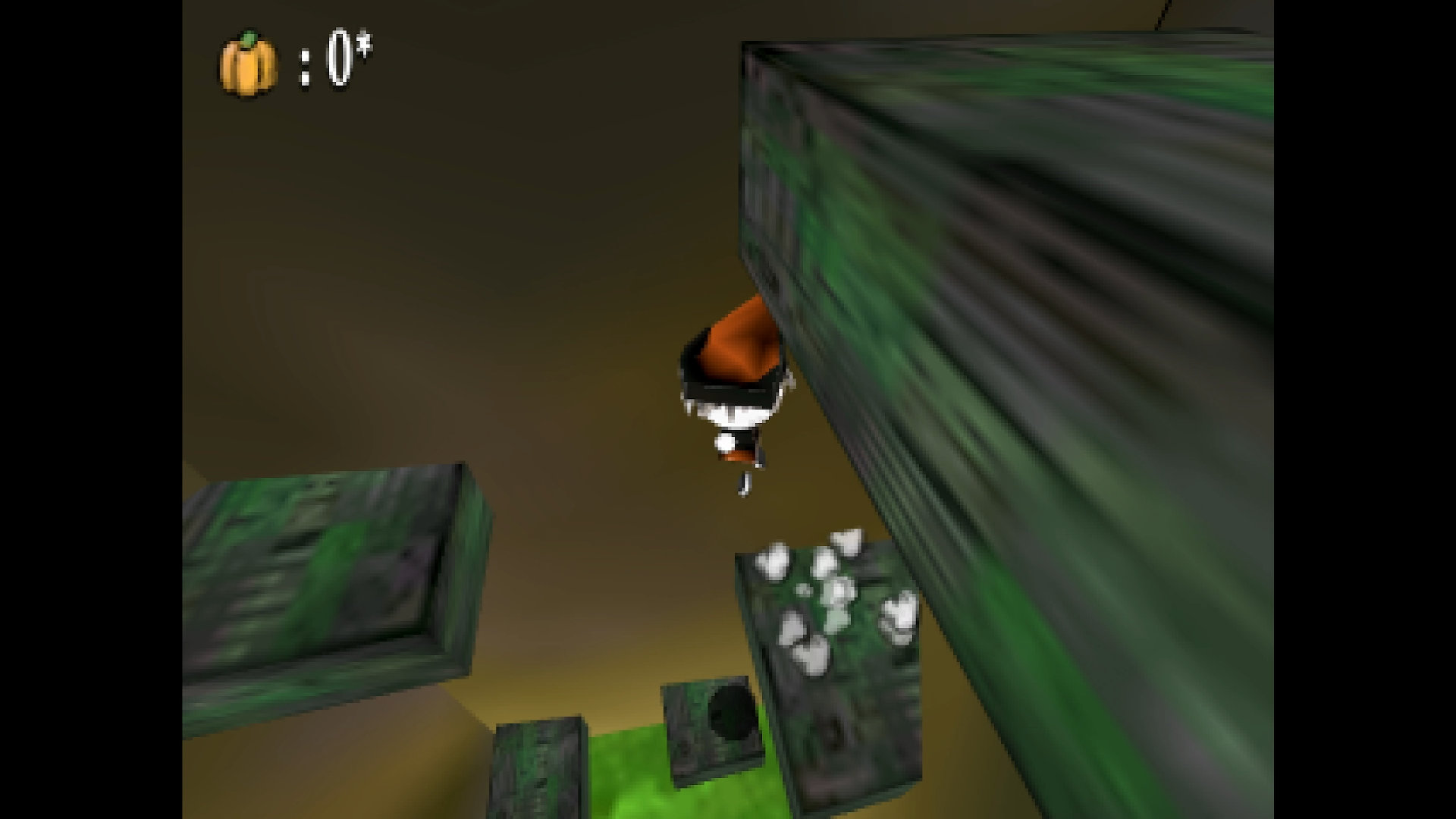
Explore Pumpice's lands as Lucie the witch, collect pumpkins, and try to find the truth about the ways of Pumpice by surmounting challenges!
Download
Install instructions
Windows: Because the game is unsigned, a SmartScreen warning may appear when you run the app for the first time. To run the app click More Info > Run Anyway
Linux: Extract and run the .x86_64 file.
macOS:
1. Because the game is unsigned, a warning will appear when you run the app for the first time. Either open System Preferences/Settings then go to Security & Privacy > General > Open Anyway, or right click the app icon in the Finder window and select Open from the menu. Then click Open in the confirmation dialog. If no errors occur, you can now play Pumpice on macOS.
2. If you instead encounter the error "'Pumpice.app' is damaged and can't be opened. You should move it to the trash.", follow these next steps to fix the issue:
3. Open the Terminal app (or your preferred terminal of choice).
4. Copy and paste these commands one at a time into the terminal:
xattr -l /Applications/Pumpice.app
xattr -dr com.apple.quarantine /Applications/Pumpice.app
chmod +x /Applications/Pumpice.app
5. You should now be able to play Pumpice on macOS.
Not all Linux, ONLY Steam Deck (SteamOS?): Unfortunately unplayable in Game and Desktop modes due to graphical issues currently.
Comments
Log in with itch.io to leave a comment.
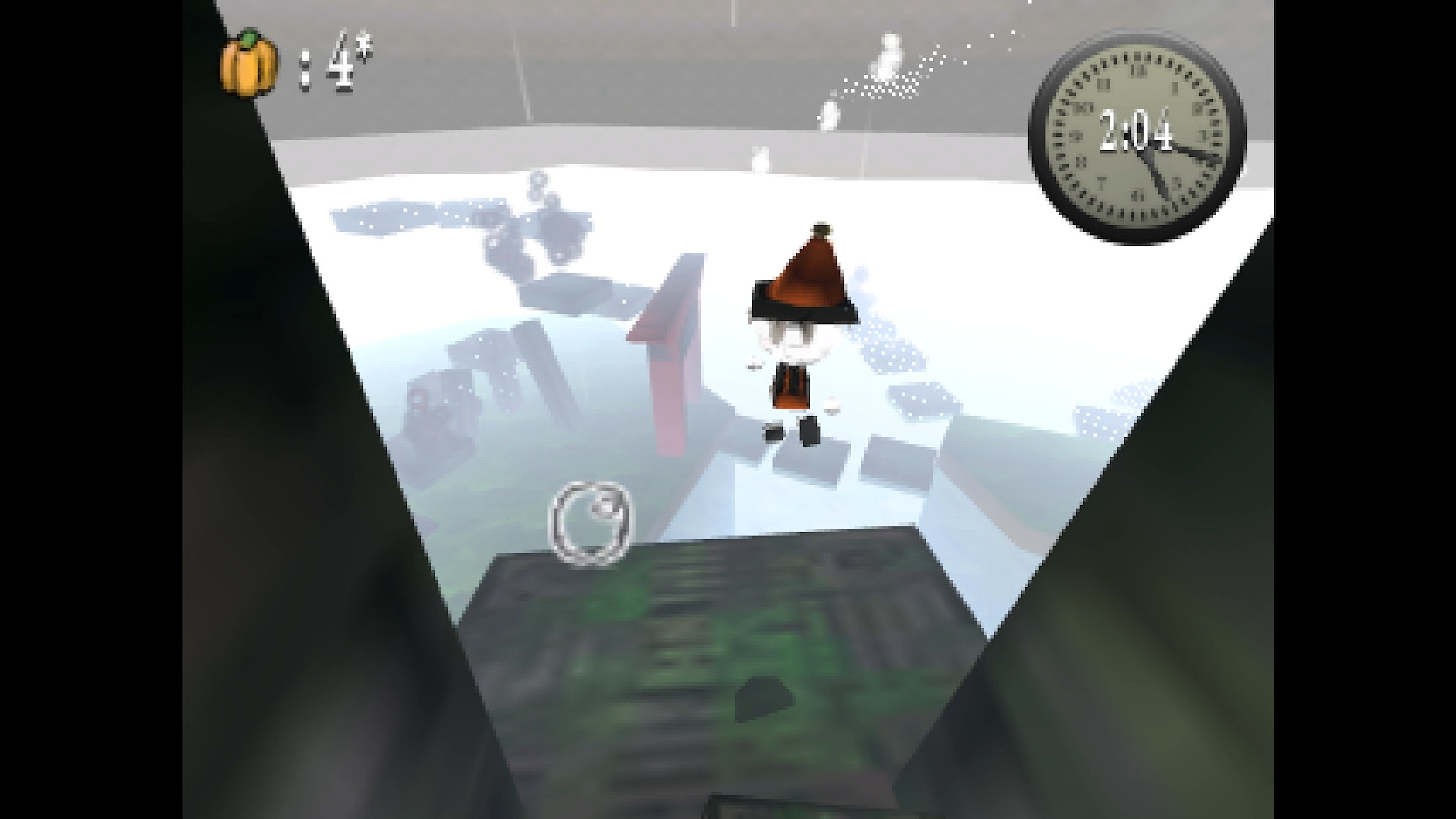
the left half of the screen is all grey. I use Linux Mint
Hi, apologies, this is a known issue for the game on SteamOS/Steam Deck currently. Are you using a Steam Deck and/or AMD graphics?
This game looks amazing! When I boot it up the screen is a small box - I guess it's a resolution issue? Also it's all grey and I can't see the picture too well. I downloaded the windows version. Fully appreciate it's probably a specific issue to my hardware. Should I change the proton?
Thank you! :)
For the small screen issue, you can fix it by going into the Settings and toggling fullscreen on, which will scale the game to the maximum resolution.
As for the issue with the grey visuals, it's a strange behavior I found while testing Pumpice on the Steam Deck, both with the Linux version and through Proton. Unfortunately, I'm unsure what the cause could be, as the game works fine on other hardwares & OS. It could be a fault of mine that I missed, or an issue with the Steam Deck and Godot, but I can't say for sure. For now, I don't have any fixes available, so if your only option is with the Steam Deck, I'm sorry the game isn't playable currently :( I'll try to fix the problem when I can submit an issue, or if I find any related information, but for now I'll mention that the game is unplayable on Steam Deck in the description.
Hey thanks for the great reply Dev! Regardless - it looks like an amazing game and the aesthetic is bang on - it oozes charm!
I’ll try to find another way to play it as I’m super keen to try it. Love the chunky muddy textures, a nice N64 throwback!
update dev: desktop mode same 😣
Thanks for confirming for desktop mode as well. Yeah, really weird that it has that graphical issue on Steam Deck. I'm sorry it doesn't work 😢
don’t worry! Hoping standard PC users and others can appreciate the game - it’s awesome!